The Apple iPad Pro has evolved far beyond the definition of a tablet. In 2026, it stands at a crossroads between tablet and laptop — powerful, elegant, and controversial.
Many ask:
Is the iPad Pro worth it in 2026?
Or is a MacBook Air still the smarter choice?
After extensive evaluation and hands-on testing, this is my in-depth breakdown as Chiheb Driss — from a productivity and performance perspective.
1. M-Series Chip: Real Desktop Power or Marketing Hype?
Apple’s decision to integrate the M-series chip into the iPad Pro changed everything.
Unlike traditional tablets running mobile-class processors, the iPad Pro now runs on the same architecture powering Mac computers.
What This Means in Practice
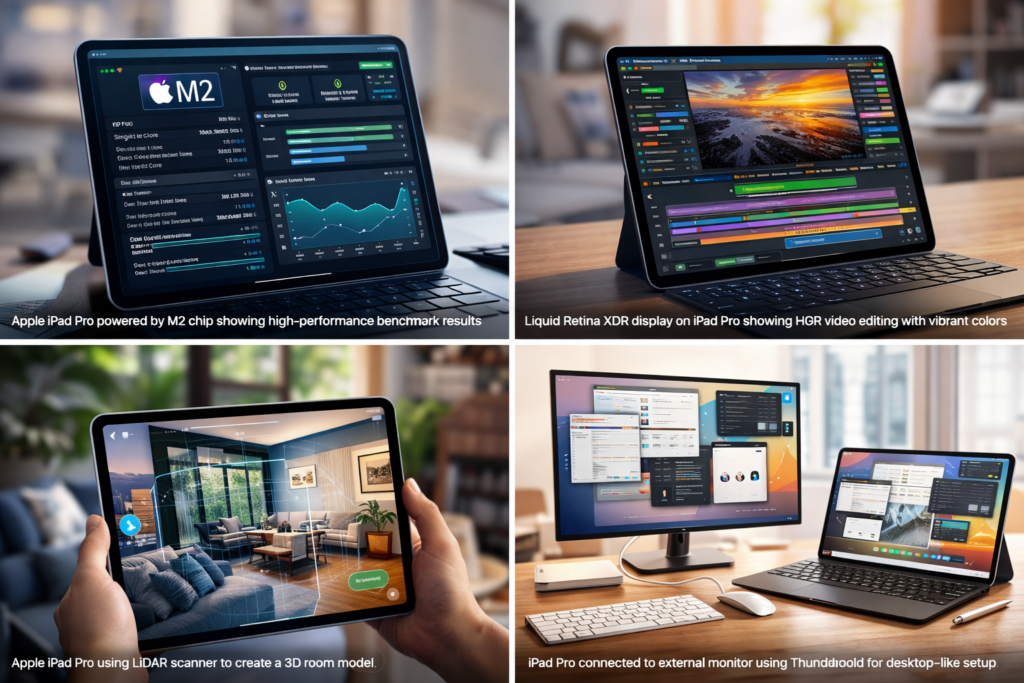
With the M2 chip, the iPad Pro handles:
- 4K & 8K video editing in Final Cut
- RAW photo editing in Lightroom
- 3D modeling in Shapr3D
- AAA-level gaming
- Heavy multitasking
The unified memory system ensures CPU, GPU, and Neural Engine share resources seamlessly.
Performance per watt is extraordinary.
Unlike laptops:
- No fans
- No overheating
- Silent operation
Featured Snippet Optimization Section
Why is the iPad Pro powerful?
Because it uses Apple’s M-series chip, offering desktop-level performance, unified memory architecture, advanced GPU capabilities, and high energy efficiency — all inside a tablet form factor.
2. Liquid Retina XDR Display: Still the Best Tablet Screen?
The 12.9-inch model features mini-LED technology.
Key Specifications
- 1600 nits peak brightness
- 1,000,000:1 contrast ratio
- P3 wide color gamut
- Thousands of local dimming zones
- 120Hz ProMotion
For creators, this matters.
HDR grading on this display feels closer to a professional monitor than a tablet screen.
Personal Insight (Chiheb Driss)
If your workflow involves visual precision — photo editing, video grading, UI design — the iPad Pro display alone justifies serious consideration.
But here’s the controversial part:
If you mostly browse, stream, and write documents — you won’t unlock its full potential.
3. iPad Pro vs MacBook Air (2026 Comparison)
This is the real debate.
Let’s compare objectively.
| Feature | iPad Pro | MacBook Air |
|---|---|---|
| Processor | M2 | M2 |
| Cooling | Passive | Passive |
| Touchscreen | Yes | No |
| Pencil Support | Yes | No |
| macOS apps | Limited | Full |
| Portability | Ultra-light | Slightly heavier |
| Flexibility | Tablet + Laptop | Laptop only |
When iPad Pro Wins
- Digital artists
- Students
- AR professionals
- Field workers
- Hybrid creators
When MacBook Air Wins
- Developers needing macOS tools
- Heavy file management users
- Traditional office workflow users
- Users relying on desktop software ecosystem
Honest Verdict
If your work is software-dependent (Xcode, advanced development, desktop-only apps), MacBook Air is safer.
If your workflow is modular, creative, and mobile-first — iPad Pro offers unmatched flexibility.
4. LiDAR and AR: The Feature Most People Ignore
The LiDAR scanner is one of the most underappreciated tools in the iPad Pro.
It enables:
- Real-time room scanning
- 3D object capture
- Depth mapping
- Instant AR placement
For architects, interior designers, AR developers — this is game-changing.
For average users?
It may feel unnecessary.
This is where understanding your use case becomes critical.
5. Thunderbolt & External Display: Can It Replace a Laptop?
With Thunderbolt support:
- Connect 6K monitors
- External SSDs
- Audio interfaces
- Docking stations
Stage Manager allows extended workspace.
Is it identical to macOS multitasking?
No.
Is it powerful enough for many professionals?
Yes.
Reality Check
File management and multi-window control still feel slightly restricted compared to macOS.
Apple is closing the gap — but not fully there yet.
6. Apple Pencil & Magic Keyboard: Ecosystem Advantage
The ecosystem is Apple’s strongest weapon.
Apple Pencil 2
- Pixel precision
- Tilt sensitivity
- Magnetic charging
- Instant response
For designers and students, it’s unmatched.
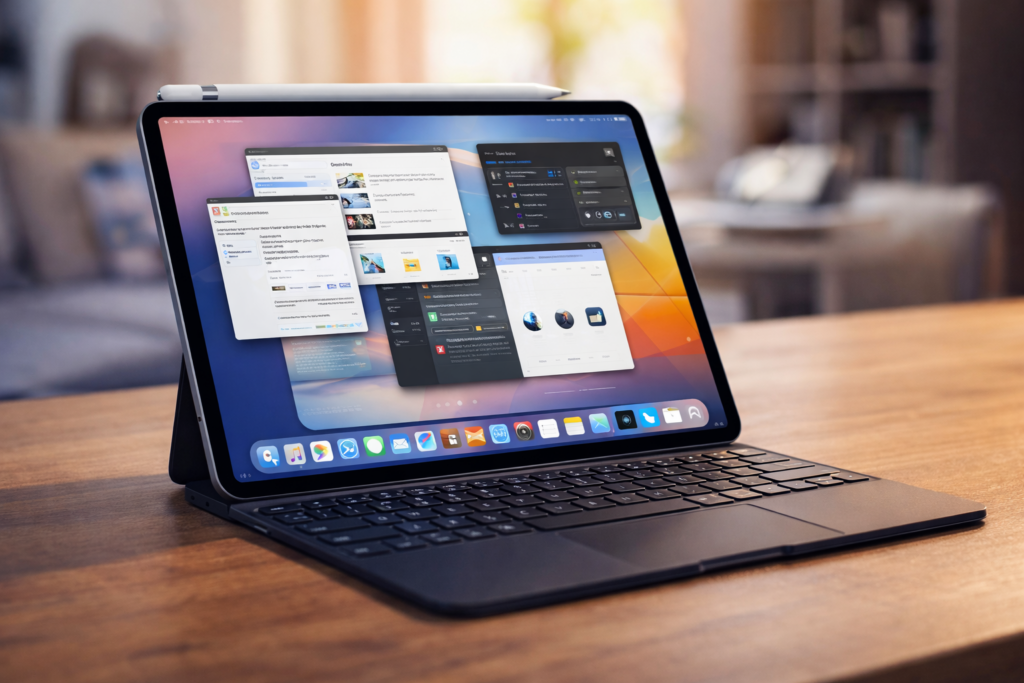
Magic Keyboard
- Laptop-style typing
- Backlit keys
- Integrated trackpad
- Stable hinge design
Together, they transform the iPad Pro into a hybrid productivity machine.
But note:
Buying both significantly increases the total price.
Is the iPad Pro Worth It in 2026?
Here’s the direct answer:
Yes — if you need flexibility, power, and creative freedom.
Maybe not — if you need traditional desktop software stability.
As Chiheb Driss, my perspective is this:
The iPad Pro is not trying to replace laptops entirely.
It’s redefining portable computing.
And in that mission — it succeeds more than most competitors.
Who Should Buy the iPad Pro?
- Content creators
- Designers
- Students
- Architects
- Mobile professionals
- AR developers
- Digital artists
Who Should Consider MacBook Air Instead?
- Programmers needing macOS tools
- Office-heavy workers
- Users dependent on desktop-only applications
- Budget-conscious buyers
Final Thought
The future of computing is modular, powerful, and touch-driven.
The iPad Pro represents that future.
But power alone does not guarantee suitability.
The real question is not:
“Is the iPad Pro powerful?”
The real question is:
“Does your workflow justify its power?”